


Wireless Access Points (Wifi Infrastructure)
A Wireless Access Point (WAP), or simply Wireless AP, is a networking device that enables wireless devices to connect to a wired network, typically the internet. It acts as a bridge, relaying data between wireless devices and the wired infrastructure, creating a wireless local area network (WLAN). WAPs are essential for providing Wi-Fi coverage in homes, offices, and public spaces, eliminating the need for physical cables and offering greater flexibility and mobility.
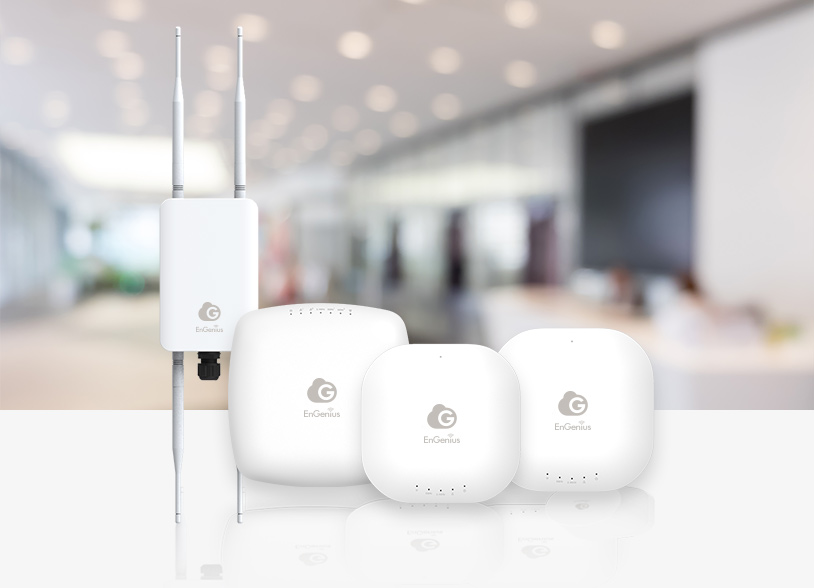
Solutions
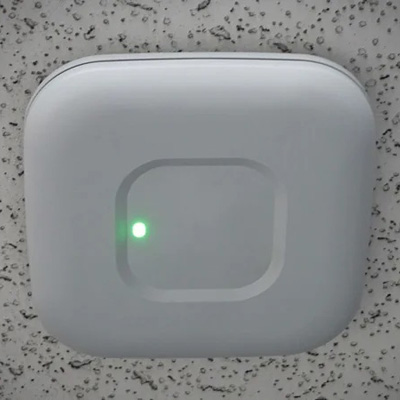
Standalone Access Points
These are individual devices that connect directly to a wired network.

Controller-Based Access Points
These APs are managed by a centralized wireless LAN controller.
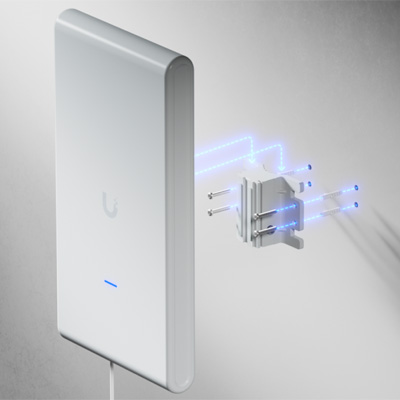
Mesh Access Points
These APs work together to form a mesh network, extending coverage over a large area without extensive wiring.
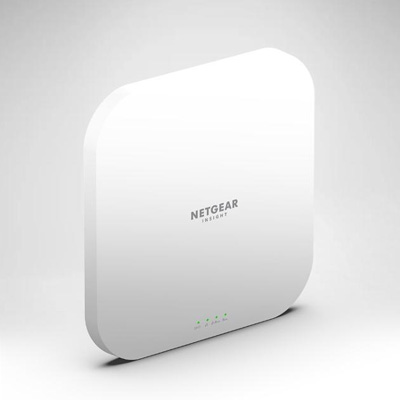
Cloud-Managed Access Points
These APs are managed through a cloud-based platform, allowing for remote configuration and monitoring.
Applications
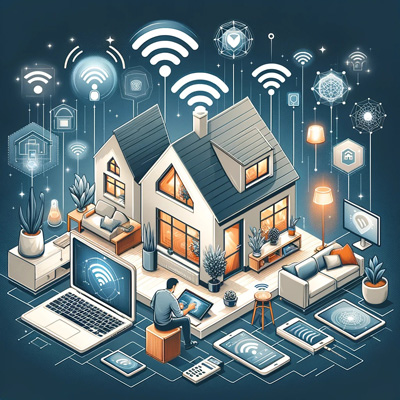
Home Networks

Offices and Businesses

Public Spaces

Large Venues
Frequently Asked Questions
- A WAP is a device that allows wireless devices to connect to a wired network.
- It acts as a bridge between wireless devices (like laptops and phones) and the wired network, typically an Ethernet network.
- Essentially, it broadcasts the internet signal from a wired connection to create a Wi-Fi network.
- Routers: manage traffic between multiple networks and are essential for internet access.
- WAPs: extend the reach of a network by providing a wireless connection point.
While some routers have built-in access point functionality, a dedicated WAP is often used for larger or more complex networks.
Increased Wireless Coverage
WAPs extend the range of a wireless network, eliminating dead spots and providing better coverage in larger areas.
More Device Connections
They can handle a large number of devices simultaneously, making them suitable for businesses and large households.
Improved Performance
WAPs can provide a more stable and reliable connection compared to some other solutions like Wi-Fi extenders.
- Distance from the AP: Signal strength decreases with distance from the WAP.
- Obstructions: Walls, furniture, and other physical barriers can interfere with the signal.
- Interference: Other devices using the same frequency (like microwave ovens or other access points) can cause interference.
- Number of connected devices: More devices using the network simultaneously can impact performance.
- Coverage Area: Determine the size of the area you need to cover.
- Number of Users: Consider how many devices will be connected simultaneously.
- Frequency Bands: Look for dual-band or tri-band WAPs for better performance and less interference.
- Security Features: Encryption protocols like WPA3 are recommended for strong security.
- Management Features: Look for features like VLAN support, guest network options, and remote management capabilities.
- In a mesh network, the Primary AP acts as the central point of connection to the external network (like the internet).
- It manages traffic flow and client connections within the mesh network.
- It's typically a wired AP and can be configured as the preferred primary for redundancy.
- No, an access point requires a wired connection to a router or a network switch to function.
- It needs the router to provide the internet connection and routing capabilities.
Have questions? We can help
Our video security experts can help you implement the right security system for your business.