


Kiosk & Self-Service Terminals
Kiosk and self-service terminals are automated devices that allow users to perform tasks or access information without direct human interaction. They are used in various sectors like retail, hospitality, transportation, and banking to enhance customer experience, streamline operations, and reduce costs. These terminals offer features like self-checkout, information access, ordering, and payment processing.
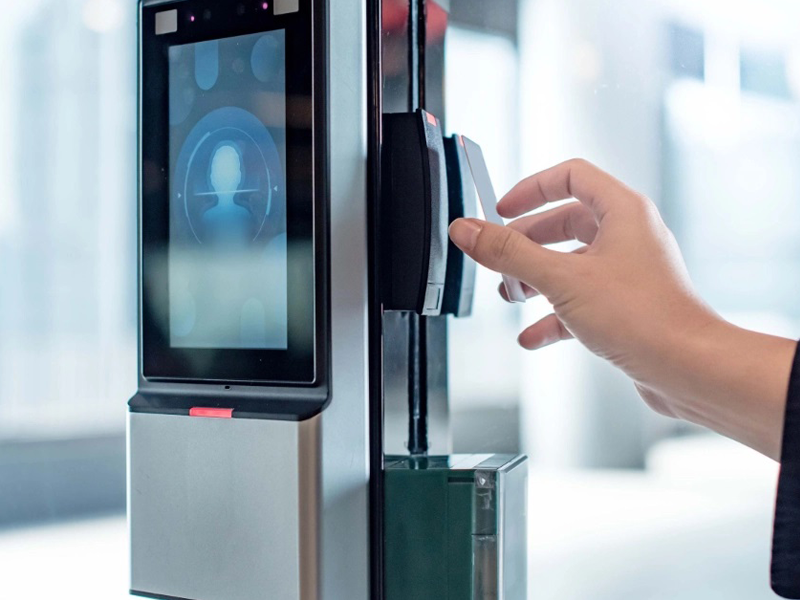
Solutions
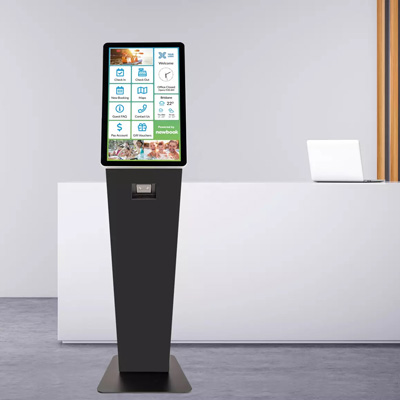
Self-service kiosks
Enable users to perform tasks independently, such as checking in, making payments, or ordering food.
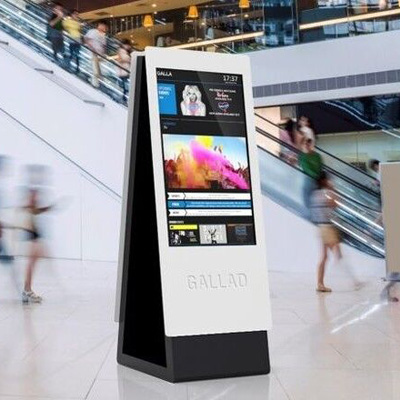
Information kiosks
Provide access to information, such as maps, directories, or product details.
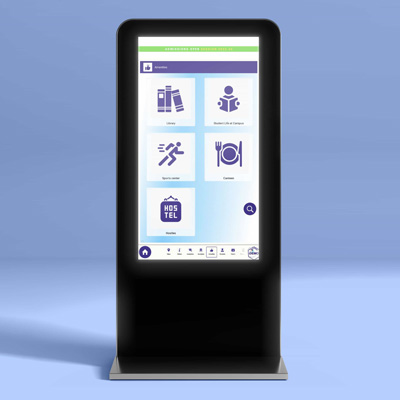
Interactive kiosks
Offer a range of functionalities, including information access, transactions, and entertainment.
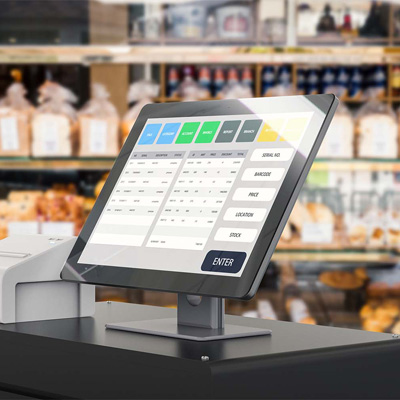
Payment kiosks
Specifically designed for processing payments, such as parking fees or utility bills.
Applications
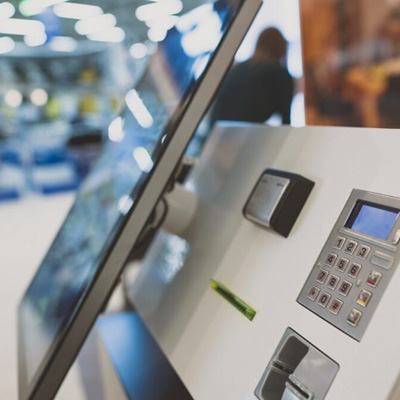
Banking
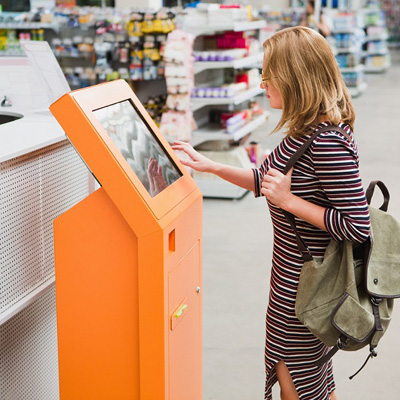
Retail
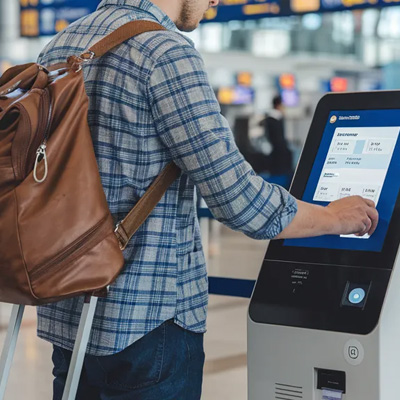
Travel & Tourism
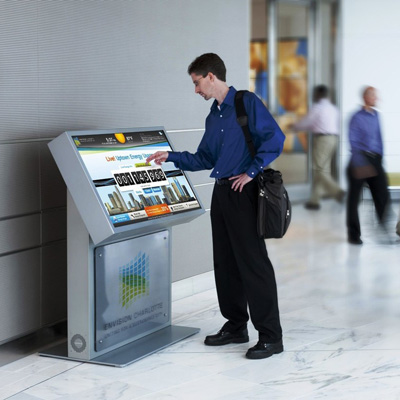
Corporate
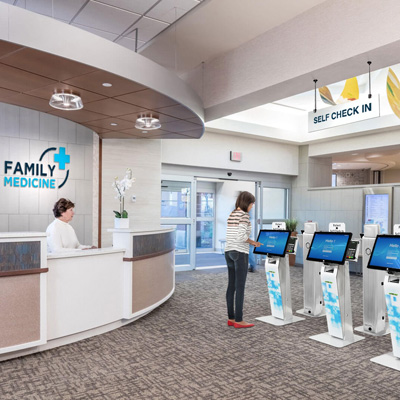
Healthcare
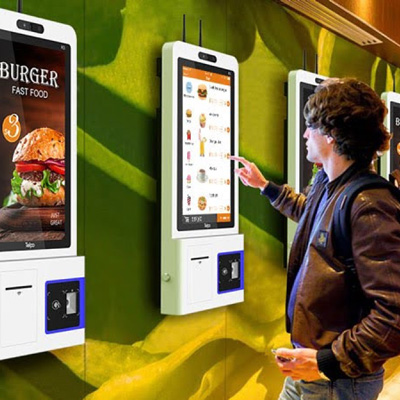
Food Service
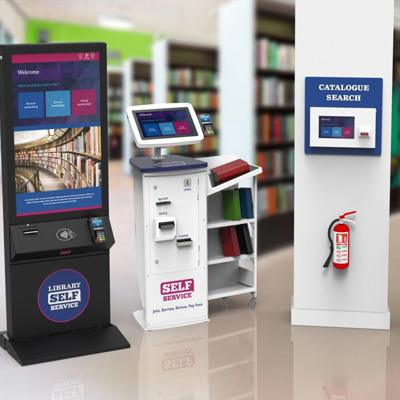
Other Applications
Frequently Asked Questions
- Self-service kiosks are interactive terminals that allow customers to perform tasks independently, such as ordering food, checking in for flights, or making payments, without direct interaction with a staff member.
- They typically feature a touchscreen interface and may include other components like card readers, printers, and scanners.
- Reduced wait times: Customers can quickly complete tasks without waiting in line for staff assistance.
- Increased order accuracy: Self-service kiosks minimize human error during order taking, ensuring accuracy.
- Improved customer satisfaction: Customers appreciate the convenience and speed of self-service options.
- Cost savings: Businesses can reduce labor costs by automating routine tasks.
- Enhanced revenue: Kiosks can drive sales through upselling and cross-selling opportunities, especially in the food and beverage industry.
- Food and beverage: Ordering and payment at fast-food restaurants and cafes.
- Retail: Self-checkout and product information.
- Transportation: Check-in, ticketing, and baggage drop-off at airports and train stations.
- Healthcare: Patient check-in and appointment scheduling.
- Government: Tax services and document processing.
- Hospitality: Hotel check-in/out and room key management.
- Security: Protecting sensitive customer data and preventing fraud.
- Integration: Ensuring seamless integration with existing business systems.
- Maintenance: Keeping kiosks operational and well-maintained.
- Customer adoption: Training customers on how to use the kiosks effectively.
- Staff training: Equipping staff to handle potential issues and support customers using the kiosks.
- The ROI can be significant due to reduced labor costs, increased sales, and improved customer satisfaction.
- While there are initial costs for hardware, software, and installation, the long-term benefits often outweigh these costs.
- According to Wavetec, research shows that self-service technology can lead to a 30% reduction in labor costs.
- By automating routine tasks, kiosks free up employees to focus on more complex and value-added activities, such as customer engagement and specialized service.
- This allows businesses to optimize their workforce and improve overall productivity.
- Self-service kiosks can benefit businesses of all sizes, from small retailers to large enterprises.
- The key is to assess the specific needs and goals of the business to determine if kiosks are a suitable solution.
- Choose the right kiosks for your needs: Consider factors like size, functionality, and integration capabilities.
- Ensure proper training: Provide training for both customers and employees on how to use the kiosks.
- Monitor performance: Track usage, identify issues, and make adjustments as needed.
- Prioritize security: Implement security measures to protect sensitive data and prevent fraud.
- Consider customer feedback: Gather feedback from customers to improve the user experience.
Have questions? We can help
Our video security experts can help you implement the right security system for your business.