


Data & Communication Racks
Data and communication racks are standardized structures used to organize, secure, and support various types of electronic equipment, particularly in data centers and communication closets. These racks are crucial for efficient cable management, airflow, and overall equipment organization, contributing to the performance and reliability of IT infrastructure.

Solutions
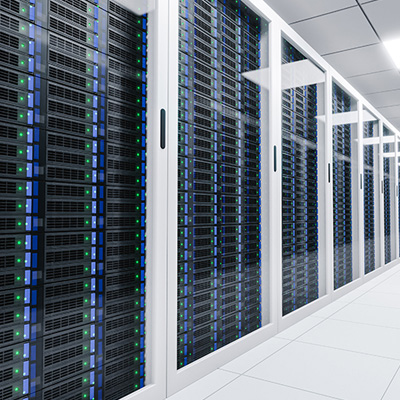
Server Racks
These are the most common type, used to house servers, routers, and other IT equipment, often found in data centers and communication closets.
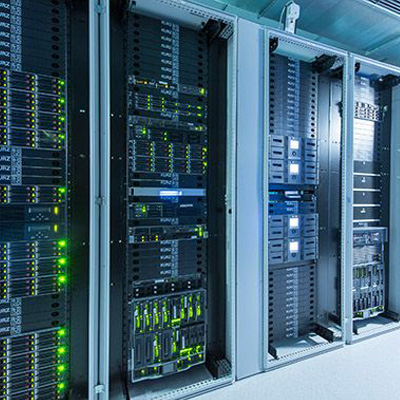
Networking Racks
Designed for networking equipment like switches and patch panels, they often feature specialized cable management features.
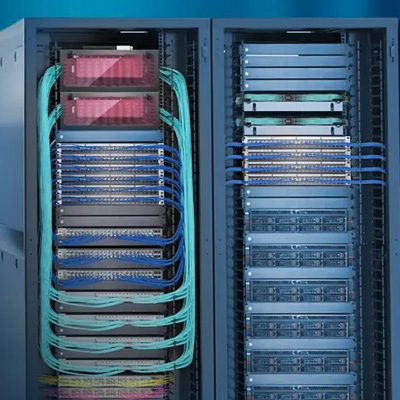
Open Frame Racks
These provide a cost-effective solution for basic equipment mounting and are often used in less critical environments.
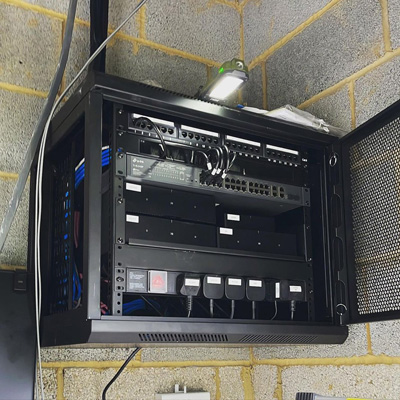
Wall Mount Racks
Suitable for smaller setups or when space is limited, these racks mount to the wall to save floor space.
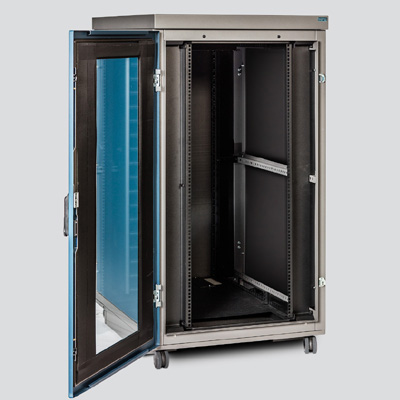
Acoustic Racks
Designed to minimize noise from operating equipment, these are useful in noise-sensitive environments.
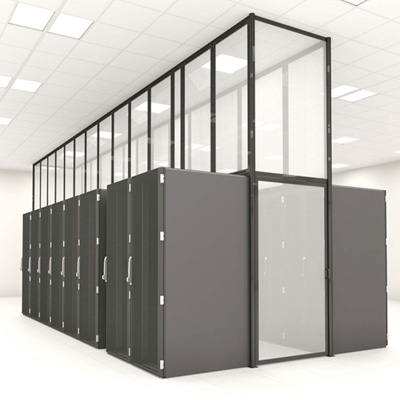
Aisle Containment Systems
Used to manage airflow in data centers, either by containing hot or cold air, or both, to improve cooling efficiency.
Applications

Data Centers

Telecommunications

Enterprise Networks
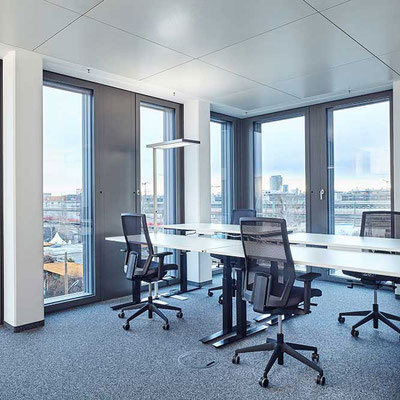
Small Offices/Home Offices
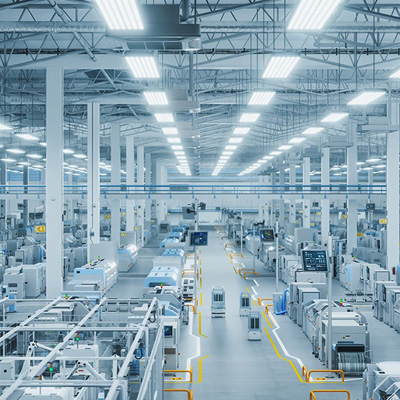
Industrial Settings
Frequently Asked Questions
A rack unit is a unit of measurement for the height of equipment that fits into a rack. One unit (1U) equals 1.75 inches.
The standard width for most server racks is 19 inches, which accommodates the mounting panels of most rack-mountable equipment.
Racks can be open-frame or enclosed (cabinets). Enclosed racks offer enhanced security and airflow management.
Racks include vertical mounting rails, horizontal shelves, cable management systems, and sometimes cooling solutions like fans or blanking panels.
While the width is typically standard at 19 inches, the height varies, with common sizes being 42U and 48U.
A Power Distribution Unit (PDU) is used to distribute power to the devices within the rack.
Consider the size and number of devices you need to house, plus future expansion plans. Factor in the height of the equipment (measured in rack units), and allow for extra space for airflow and potential upgrades.
Use cable management accessories like vertical and horizontal cable managers to keep cables organized and prevent airflow obstructions.
Use blanking panels to fill empty spaces in the rack, organize cables to allow for airflow, and consider adding fans or other cooling solutions if needed.
Enclosed racks with lockable doors and panels, along with physical security measures for the server room, help protect sensitive data.
Yes, home server racks are becoming increasingly popular for home networks, gaming setups, or home labs.
Have questions? We can help
Our video security experts can help you implement the right security system for your business.